
Most Google Ads accounts don’t fail because of bad ads. They fail because the budget never moves. Google Ads budget scaling is the process of increasing your ad spend gradually, based on what your campaign data is actually telling you.
The problem is that most advertisers set a monthly budget, leave it alone, and wonder why results plateau. Keeping ad spend flat when performance is strong is one of the most common and costly mistakes in paid search. Scaling is about knowing when your ads are ready to go further, and giving them the room to do it.
In this blog, we’ll look at how budget scaling works, the signs that a campaign is ready for more investment, and the best ways to increase spend without hurting performance.
What Is Google Ads Budget Scaling and Why Does It Matter?
Google Ads budget scaling is the practice of gradually increasing your ad spend as campaign performance improves. It’s not a set-and-forget approach. Done right, it’s one of the most reliable ways to grow your results without throwing money at ads that aren’t ready for it.
The best part about scaling across campaigns is that you grow and spend only where results already justify it. Before increasing budgets, it’s important to understand how Google Ads budget scaling works in practice.
How Budget Scaling Works Across Ad Campaigns

Budget scaling works by identifying which ad campaigns are already delivering and pushing more spend behind them. Think of it like backing a horse that’s already running well, rather than betting on the whole field.
However, not all campaigns perform equally. Some ad groups pull consistent conversions while others barely break even. Scaling lets you put more budget behind what’s working.
And here’s the part most advertisers miss: small, steady increases of 10–20% every few days keep your ad campaigns stable, rather than shocking the algorithm with a sudden jump.
Automated Bid Strategies and How They Tie In
Most advertisers increase their budget and expect better results, but without the right bid strategy, that rarely happens.
Automated bid strategies like Target CPA or Maximise Conversions work by adjusting your bids in real time as your budget grows. The reason this matters is that Google needs enough data to make smart decisions, and a bigger budget gives it more room to do that across your Google Ads campaigns.
But there’s a catch. Increasing the budget without aligning your automated bid strategies can push advertising costs up without improving campaign performance. Since Google’s machine learning needs consistency to work properly, these sudden changes can send it back to square one.
The Factors That Guide Your PPC Budget Over Time
Your PPC budget doesn’t stay the same forever, and it shouldn’t. Several factors push your costs up or bring them down over time, and knowing what they are puts you in a much better position to make data-driven decisions.
Here are the main factors that influence PPC performance:
Landing Page Quality and Its Effect on Cost Per Click

Google uses a Quality Score to measure how relevant your ad, ad copy, and landing page are to what someone searched for. The higher your Quality Score, the less you pay per click, even if competitors are bidding more than you.
Quality Score is measured on a 1–10 scale, with higher scores indicating greater ad relevance and landing page quality. A weak landing page drags that score down. And when your score drops, your ad quality suffers, your cost per click goes up, and your budget gets eaten faster than it should.
Matching your landing page message to your ad copy is one of the simplest fixes you can make. Small tweaks like faster load times and clearer calls to action can bring your cost per click down without changing your bids at all.
Cost Per Acquisition, Ad Groups, and Search Terms
Four factors guide your PPC budget: cost per acquisition, ad group structure, search term targeting, and negative keyword strategy. To control PPC spending effectively, focus on the factors that have the biggest impact on where your budget is spent.
The table below breaks down how these four factors affect your overall spend.
Factor | What It Affects |
Cost Per Acquisition | How much do you spend to win each new customer |
Ad Groups | Which campaigns get budget and which drain it |
Search Terms | Whether your ads show for relevant or wasteful queries |
Negative Keywords | Which searches do you block to protect your monthly budget |
Reviewing these regularly helps you spot where the budget is leaking before it compounds. A single ad group targeting broad, irrelevant search terms can eat through spend without a single conversion to show for it.
How to Scale Google Ads Campaigns Without Wasting Spend
Scaling your Google Ads campaigns isn’t just about increasing budget and hoping for the best. The advertisers who scale well do it with a clear, data-driven approach, and they use the right performance metrics to guide every decision.
Effective scaling comes down to organic versus paid search choices and the data guiding those decisions.
Organic Search VS. Paid Search: Knowing When to Scale
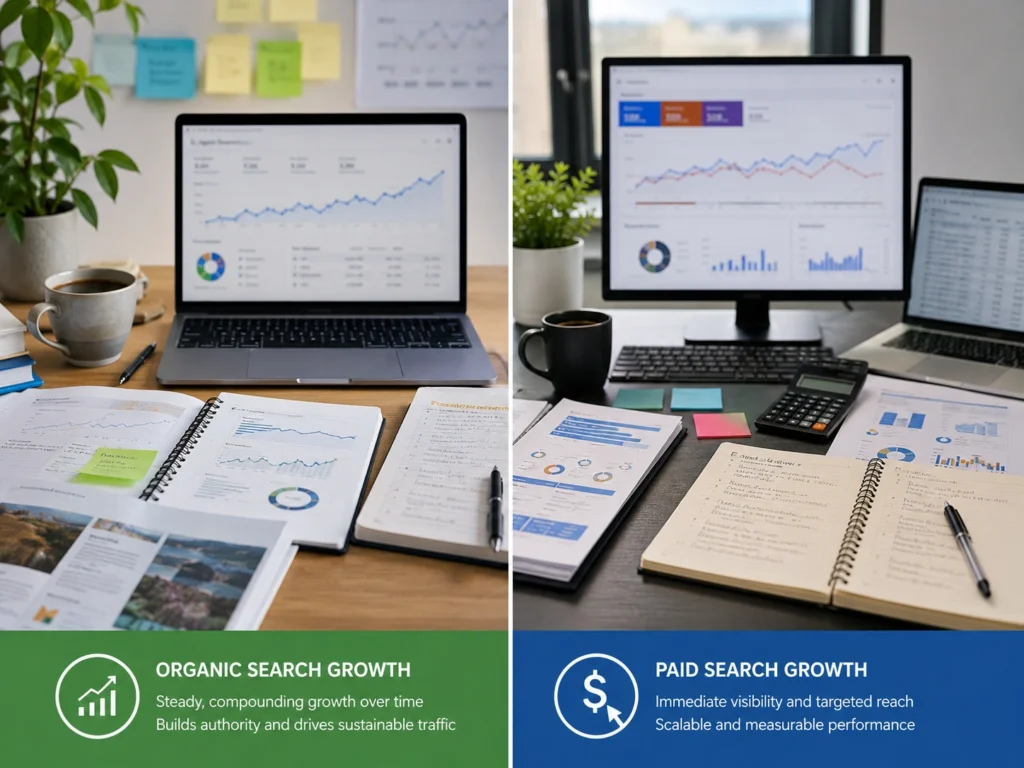
Organic search builds long-term visibility, but it takes time. Paid search, on the other hand, delivers immediate traffic while your rankings are still growing, which makes digital advertising a practical option for new businesses.
In addition, businesses generate an average of $2 in revenue for every $1 spent on Google Ads. This makes paid search a valuable way to drive growth while organic visibility is still developing.
That said, scaling paid search on keywords your organic search already covers well is rarely worth it. You’d essentially be paying for traffic you could get for free.
The smartest advertising strategies come from looking at both channels together. If your target audience is searching for something you already rank for organically, shift that PPC budget toward terms where you have no organic presence at all.
Using Google Analytics and Paid Search Data to Guide Scaling
When you base scaling decisions on Google Analytics and paid search data, you stop guessing and start growing. Here are the key metrics worth tracking before you increase spend on any search ads:
- Conversion Rates: If your campaign is converting well at its current budget, that’s a green light to scale carefully.
- Bounce Rate and Session Duration: Google Analytics shows whether paid search traffic is actually engaging with your landing page or leaving straight away.
- Campaign Performance by Search Terms: High-converting search terms should directly inform where you increase ad spend next.
- Impression Share: A low impression share on good campaigns means you’re likely losing ground to competitors, and more budget could close that gap.
Taken together, these data points give you a much clearer picture of where your next dollar of ad spend will work hardest.
Your Google Ads Budget Won’t Scale Itself
The businesses that scale well aren’t spending more. They’re spending smarter. And the difference usually comes down to how closely they’re paying attention to their own campaign data.
Good Google Ads budget scaling means making steady increases and tracking the right performance metrics. Thus, knowing which campaigns have actually earned more budget. When you treat your ad spend as something to grow with intention rather than habit, your return on ad spend improves right along with it.
At KC Freedom, we help businesses across Melbourne, Sydney, and Brisbane build Google Ads campaigns that scale without the guesswork. If your ads have hit a ceiling and you’re not sure why, reach out to the team.